Google Play Store PC
Google Play is Google's digital distribution platform. On Windows, Google offers Play content through the browser and Google Play Games on PC.
52.9 MB

9.5.32.0 · Shanghai Changzhi Network Technology · Page updated
LDPlayer is an Android emulator for Windows that runs mobile apps and games on a computer.
Average 0.0 · ratings: 0
Thank you! Your rating is saved; you can change it. Could not save the rating. Please try again later. Too many ratings from your network today. Please try again tomorrow. The average appears after 5 ratings.
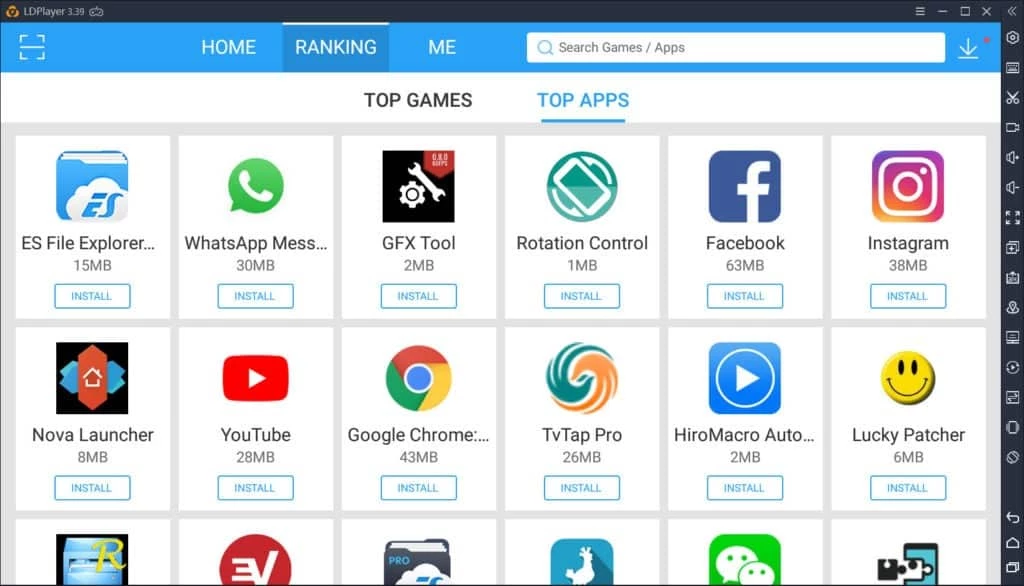
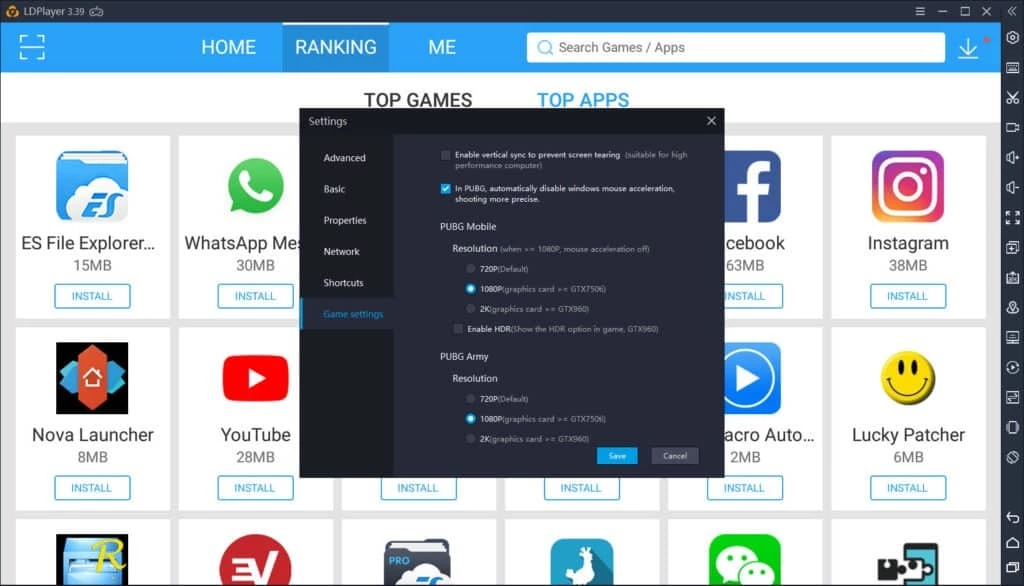
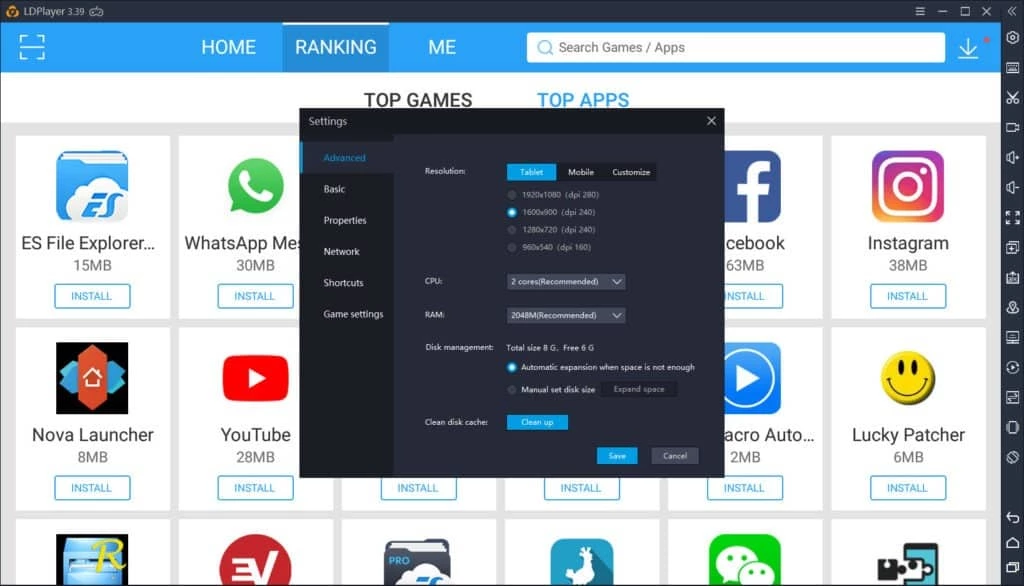
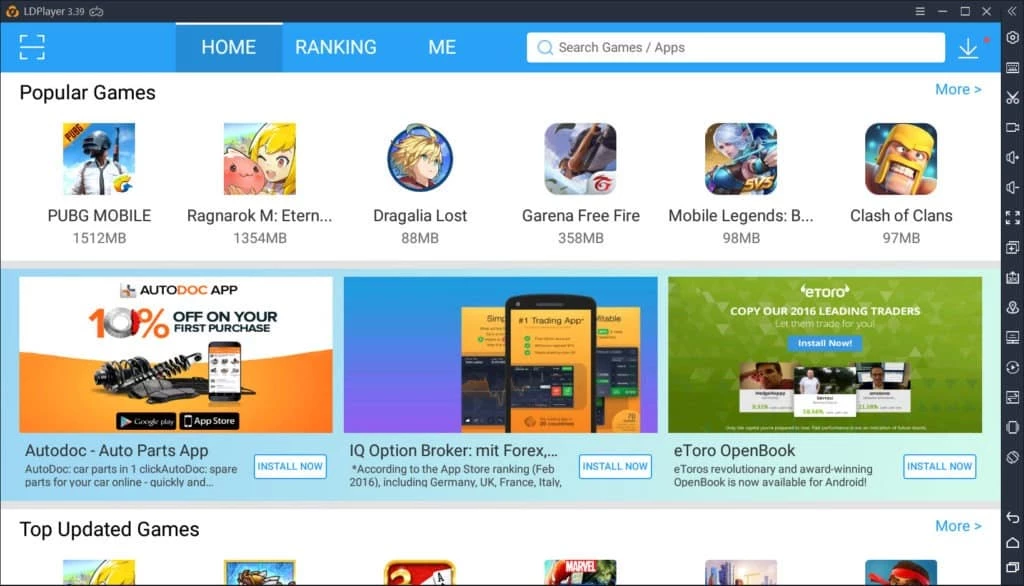
LDPlayer 9.5.32.0 is an Android emulator for Windows: it creates a virtual Android device on your PC so you can run mobile apps and games with a keyboard, mouse and big screen. You can download LDPlayer for Windows free of charge from the developer's website ldplayer.net.
An emulator is a program that pretends to be a phone. LDPlayer runs Android inside a window, and apps installed there behave as if they were on a real device. Gamers use it to play mobile games on a larger screen with keyboard and mouse controls, often for many hours without draining a phone battery. Others use it to run a messenger or a mobile-only app on the computer, or to test apps without installing them on their personal phone. Developers and testers also find it handy for checking how an app behaves. Because everything happens inside a virtual device, the emulator also offers a degree of separation from your main phone and its data, although it is not a security sandbox in the strict sense.
Emulators are demanding. Close heavy programs before playing, update the graphics driver, and give the virtual device more processor cores and memory in its settings if your PC has them to spare. Keep enough free disk space: games and their updates are stored inside the emulator and take a lot of room.
Download LDPlayer only from ldplayer.net. Many sites offer repackaged emulators, and some of them add adware. Inside the emulator, install apps from Google Play, not from random APK files, and use a separate Google account if you want to keep your main account away from test apps. Review the emulator's own settings for data collection and ads.
Emulators differ mostly in how well particular games run and how the controls are set up. If one game stutters, try another emulator before upgrading hardware.
LDPlayer is free to download; Wikidata lists its licence as shareware, so some extras may be offered inside the program.
Other Android emulators in our listings: BlueStacks, NoxPlayer and MSI App Player.
Google Play is Google's digital distribution platform. On Windows, Google offers Play content through the browser and Google Play Games on PC.
Media Creation Tool is a free Microsoft utility that downloads Windows and turns it into a bootable USB flash drive or an ISO file.

BlueStacks is an Android emulator for Windows that lets you run Android apps and games on your PC.
Rufus is a free Windows utility that turns a USB stick into a bootable installer. The current version is 4.15.

PC App Store is a free software store for Windows from Baidu for finding, installing and updating PC programs. This page covers version 5.0.1.8682.
FAT32Format is a tiny free Windows tool from Ridgecrop Consultants that formats large disks and USB drives with the FAT32 file system.

Uptodown App Store for Windows is the desktop client of Uptodown, a marketplace for desktop software and mobile apps. This page covers version 1.0.3.
NoxPlayer is a free Android emulator from Bignox for Windows and macOS that runs mobile games and apps on a computer with keyboard and mouse control.